
Ouachita Parish Clerk of Court
Ouachita Parish has a unified Clerk of Court structure. The official Clerk website identifies Dana Benson as Clerk of Court. The office handles district court records for the Fourth Judicial District Court in Ouachita Parish, including civil suits, formal criminal filings, probate and successions, marriage licenses, land and recording records, copy requests, and certified copies. The Clerk is not a sheriff records division, a city-court clerk, or a district attorney records office.
The Clerk's local contact channels are direct: public counter at 301 South Grand Street, Suite 104, Monroe, LA 71201; mail to PO Box 1862, Monroe, LA 71201-1862; phone 318-327-1444; email danab@opcoc.la.gov; and weekday hours of 8:30 a.m. to 4:30 p.m. excluding holidays.
Ouachita Parish Clerk of Court
Clerk: Dana Benson
301 South Grand Street, Suite 104
Monroe, LA 71201
318-327-1444
danab@opcoc.la.gov
8:30 a.m.-4:30 p.m., Monday-Friday excluding holidays
What Ouachita Parish Clerk Handles
The Clerk's Civil Department files civil suits, probates, pleadings, documents, exhibits, and related matters. It indexes suits, maintains docket and minute books, keeps cost records, and endorses the fact and date of filing. Civil Processing issues citations, writs, subpoenas, and other process of court in the name of Louisiana and affixes the court seal. Civil Cost Accounting collects advance and accrued costs for filings, service, jury costs, deposition costs, and expert-witness fees where they apply.
- Civil filings, evictions, name changes, interdictions, tutorships, and minor settlements.
- Probate and succession filings through the civil district court system.
- Formal criminal charges filed by the Fourth Judicial District Attorney.
- Traffic citations filed with the district court from state, sheriff, and municipal agencies.
- Marriage licenses, marriage copies, and related certified copies.
- Land, mortgage, conveyance, UCC, chattel, map, and recording records.
Note: Misdemeanors inside city limits can belong to Monroe City Court or West Monroe City Court instead of the district Clerk.
Request Ouachita Parish Certified Copies
Certified copies are ordered when a copy must prove it came from the legal custodian. In Ouachita Parish, common certified-copy requests include judgments, divorce decrees, marriage records, probate orders, criminal minutes, civil filings, and recorded instruments. A request works best when it names the case number or suit number, party names, document type, filing or recording date, and the number of copies needed.
- Identify the record type, such as civil suit, criminal case, probate file, marriage record, or land record.
- Search Clerk Connect when a case number, party name, or recording detail may locate the record online.
- Contact the Clerk by counter, mail, phone, or email if the document image is gated or the record is older.
- State that certification is needed, since certification adds a separate fee to the copy cost.
- Confirm payment method for that transaction because civil filing rules, copy rules, and some card-fee rules differ.
Ouachita Parish Clerk Request Fields
A records request to the Clerk should give enough detail for staff to distinguish one case or instrument from another. The Clerk's online and offline access channels show recurring fields used for civil, criminal, land, marriage, and copy work. When a requester does not know the case number, party names and date ranges become more important.
| Field | Required | Notes |
|---|---|---|
| Case, suit, ticket, book/page, or instrument number | Helpful | Best direct locator when known. |
| Party names or direct/indirect names | Yes when no number is known | Use full names and alternate spellings when possible. |
| Record type | Yes | Civil, criminal, probate, marriage, traffic, land, UCC, map, or copy request. |
| Date or date range | Helpful | Needed for older indexes and non-number searches. |
| Copy type | Yes | Plain, certified, conformed, minutes, or image copy. |
| Delivery method | Yes | Counter pickup, mail, email if allowed, or fax for account holders where available. |
| Requester contact information | Yes | Phone or email helps the Clerk confirm fees and availability. |
Ouachita Parish Clerk Fees
The Clerk fee endpoint lists different fees for copies, certifications, civil filings, probate matters, recordings, mortgage certificates, marriage licenses, and expungements. The table below focuses on high-use records and copy categories. Some fees depend on page count, services, recording book, added defendants, or whether a certified copy is required.
| Item | Amount | Notes |
|---|---|---|
| Copies | $1/page | General copy fee. |
| Criminal copies | $1/page | Criminal record copy fee. |
| Court minutes | $10/date | Per date requested. |
| Certification additional | $5 | Added to copy fees. |
| Certified copy | $10 + copy fee | Recording-related certified copy category. |
| Conformed copy | $5 + copy fee | Recording-related conformed copy. |
| Civil original petition with one defendant | $300 | Advance civil filing category. |
| Successions or emancipation | $300 | Probate filing category. |
| Marriage license with one certified copy | $33.50 | Card payments may add a 4% fee. |
| Recording, one index type, 1-5 pages | $105 | Assessed separately for each recording book. |
Ouachita Parish Clerk Online Access
The main online record path is Clerk Connect civil, criminal, and land record inquiry. The portal supports civil suits, criminal cases, land records, and search or printing functions where Ouachita Parish participates. Some functions can require login, subscription, payment, prepaid balance, or account access. The e-filing path is Clerk Connect Ouachita e-filing, and marriage applicants use the Ouachita marriage application.
| Channel | Used For | Access Limits |
|---|---|---|
| Clerk Connect inquiry | Civil, criminal, probate, and land searches | Some search, image, and print tools may be gated. |
| Clerk Connect e-filing | Civil, criminal, and land record e-filing where allowed | Account and filing rules apply. |
| Marriage application | New marriage license application | Documents, signatures, timing, and Clerk review still apply. |
| Clerk counter, mail, phone, email | Copies, certified copies, older records, fee confirmation | Payment and proof rules vary by transaction. |
Records Outside Ouachita Parish Clerk
Not every local record is held by the Ouachita Parish Clerk. Monroe City Court handles Monroe traffic and misdemeanor matters, limited civil matters in Monroe and Wards 3 and 10, evictions, some juvenile jurisdiction, and city-court clerk records. West Monroe City Court handles its own civil, misdemeanor criminal, traffic, ordinance, DWI, juvenile, and probation matters. A district Clerk search can miss these records because they are lower-court files.
The Monroe City Court civil page shows a separate lower-court civil channel for Monroe and Wards 3 and 10.
That separate civil channel explains why some Ouachita Parish clerk records searches must move from district court to Monroe City Court.
The Monroe City Court juvenile page identifies juvenile proceedings as confidential and closed.
That juvenile boundary is important because the Clerk's district court access does not make confidential juvenile records public.
Clerk vs Sheriff Record Channels
The Clerk keeps court and recording files. The Ouachita Parish Sheriff's Office handles arrest, warrant, booking, jail, and several jail-service records. The research identifies OPSO Records/Identification as the channel for offense reports, accident reports, warrants, inmate booking documentation, public records requests, background checks, fingerprinting, and evidence records. Jail communication and trust-account records are also sheriff or vendor channels, not Clerk records.
The OPSO video visitation page is a sheriff-side jail channel rather than an Ouachita Parish Clerk record.
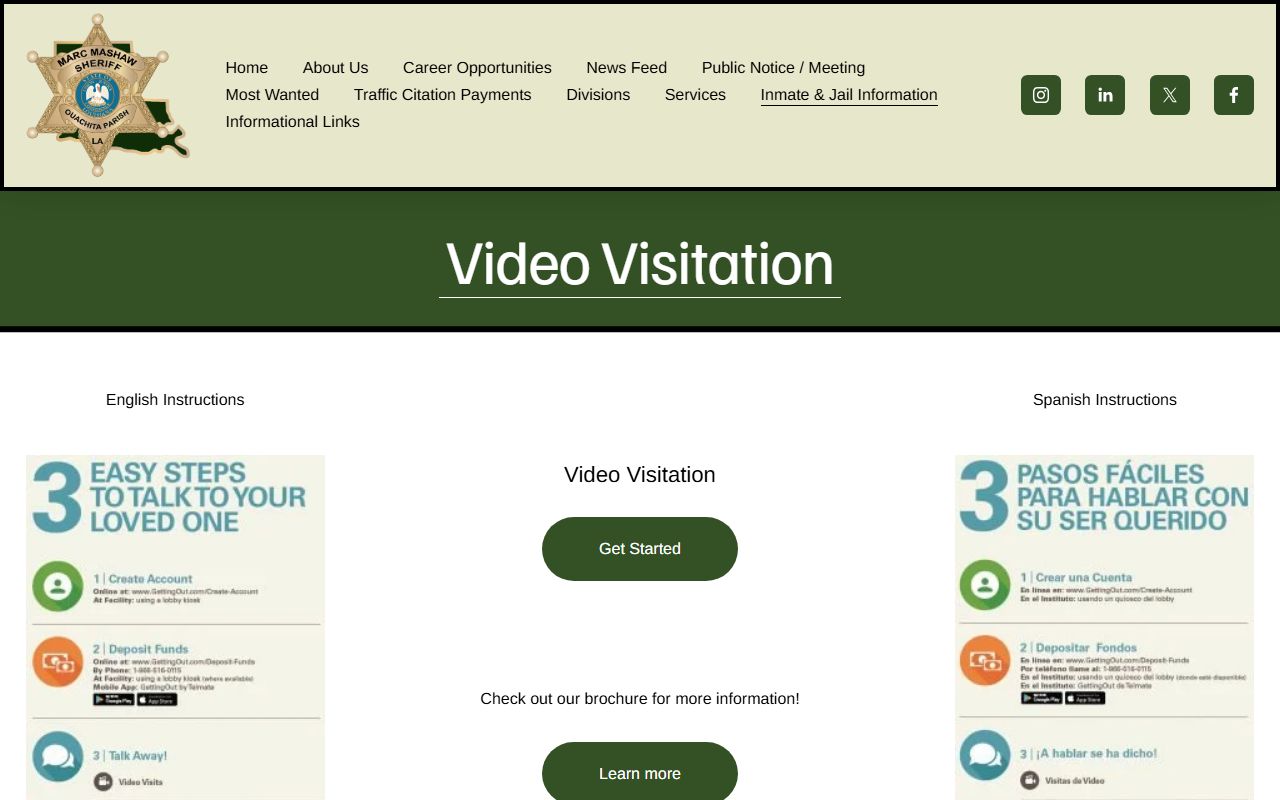
That distinction helps separate court-file requests from custody and jail access questions.
The OPSO offender phone page explains jail phone accounts through GTL and ViaPath, not through the Clerk.
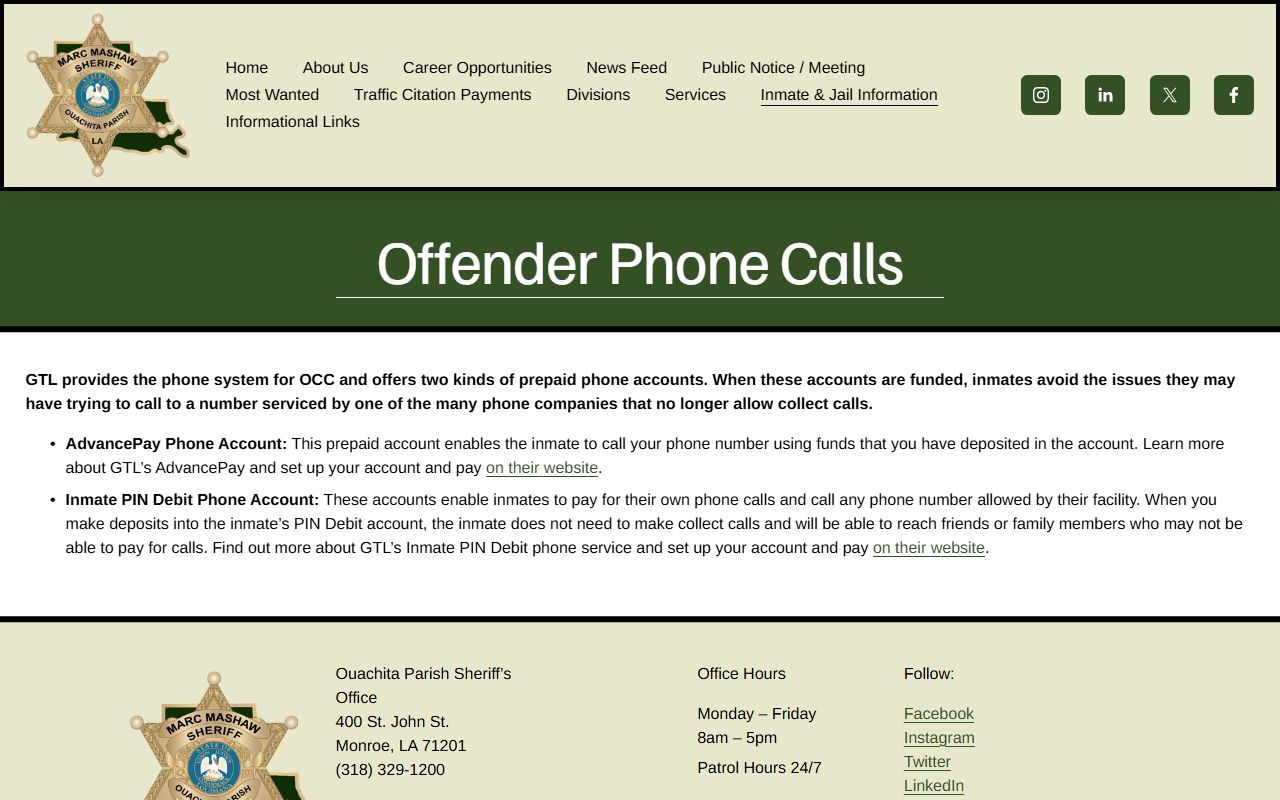
Phone-account information may relate to a defendant or inmate, but it is not part of the Clerk's certified court file.
The OPSO offender mail page describes TextBehind digital mail rules for the Ouachita Correctional Center.
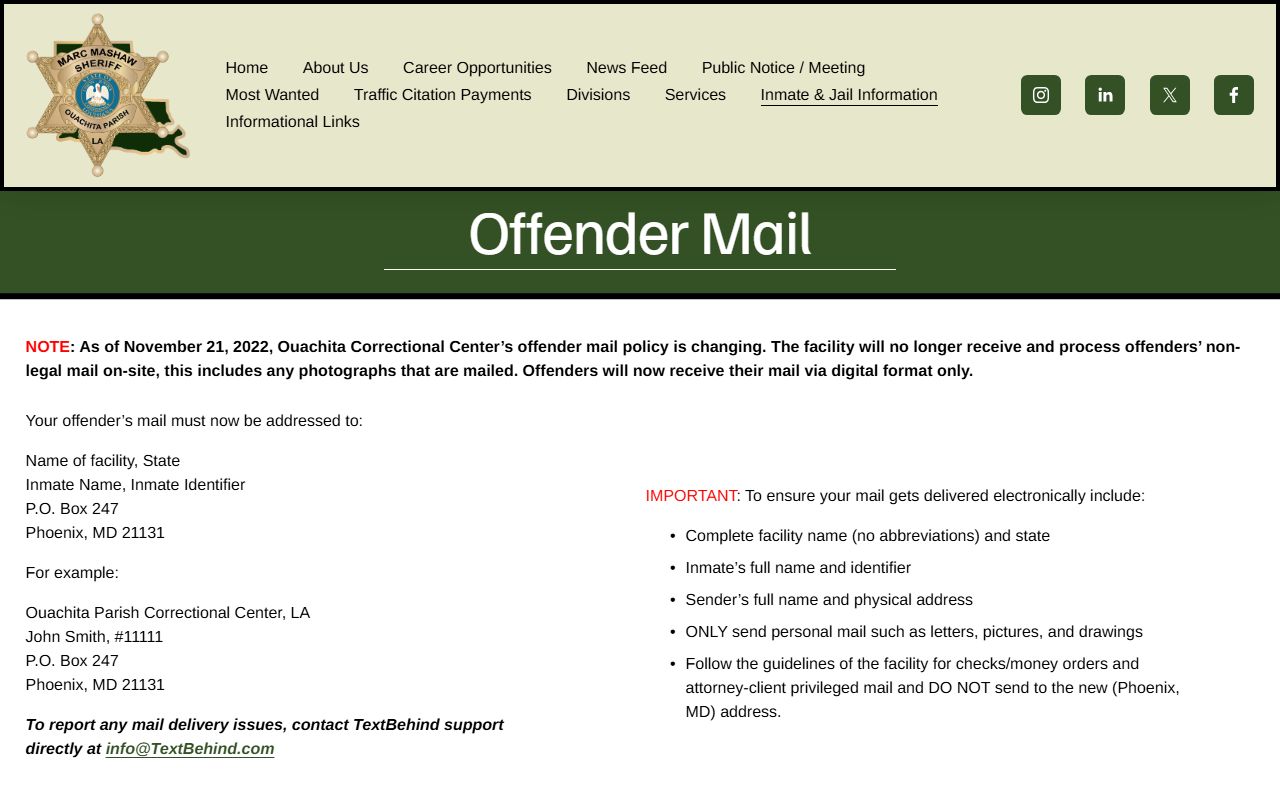
Mail rules belong to the sheriff's jail operations, while filed motions and court orders belong to the Clerk's court records.
The OPSO offender trust account page identifies ViaPath, ConnectNetwork, Correct Commissary, kiosks, and money-order rules.
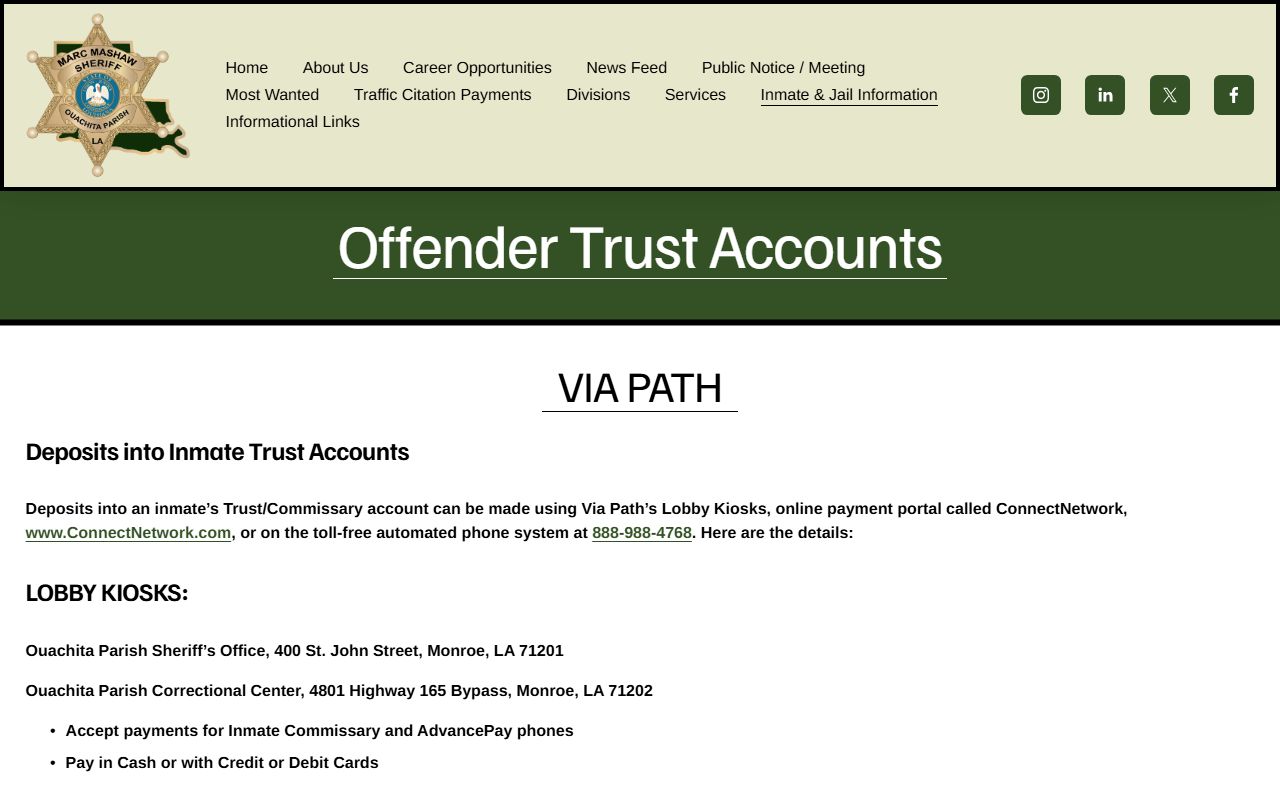
Trust-account and commissary questions should not be routed to the Clerk unless a court order or filed record is the actual item needed.
Ouachita Parish Clerk Forms
Common Clerk-related online paths include the Clerk Connect inquiry portal, Clerk Connect e-filing, the online marriage application, UCC filing links, expungement form links, and official law resources from the Clerk's links endpoint. Divorce forms are supplied through 4JDC Self-Help because divorce is a district court civil matter filed with the Clerk.
- Clerk Connect inquiry for civil, criminal, probate, and land searches.
- Clerk Connect e-filing for online filing where supported.
- Marriage application for new Ouachita Parish licenses.
- 4JDC divorce forms for self-represented divorce filings.
- Clerk official links endpoint for Clerk-listed online resources.
Mail Online and Counter Requests
Ouachita Parish Clerk access works best as a channel choice. Use Clerk Connect for initial online searches. Use e-filing when a filing must be submitted electronically and the case type is supported. Use the counter, mail, phone, or email when a copy must be certified, when an older record is not easy to find online, when an image is gated, or when payment must be confirmed. Use fax copy requests only if the requester has an account, based on the Clerk Research Department note.
Request flow: Identify record type › Search Clerk Connect if useful › Confirm custodian › Submit counter, mail, phone, email, or account fax request › Pay copy and certification costs › Receive plain or certified copy.