
Active Warrants in Ouachita Parish
The parish-level warrant source is the Ouachita Parish Sheriff's Office Records/Identification Division. OPSO says that division maintains warrants along with offense reports, accident reports, inmate booking documentation, public records requests, background checks, fingerprinting, and evidence records. The Records Division phone is 318-324-2630. The official sources inspected did not show a separate public warrant-search web page outside the sheriff app, so a Ouachita Parish warrant search should not rely on a nonexistent web-only warrant portal.
The official mobile channel is the Ouachita Sheriff app. The app listing says users can view active arrest warrants at OPSO and receive alerts by name and date of birth when an arrest warrant is issued. It also advertises Most Wanted, Submit A Tip, alerts, news, locations, FAQ, links, directory, and inmates. OPSO's own app page says the bookings page is being reconfigured and directs users to download the app for latest booking information, making the app a key warrant and custody channel.
The OPSO app page is the sheriff source that points users to the official mobile app for current booking information.
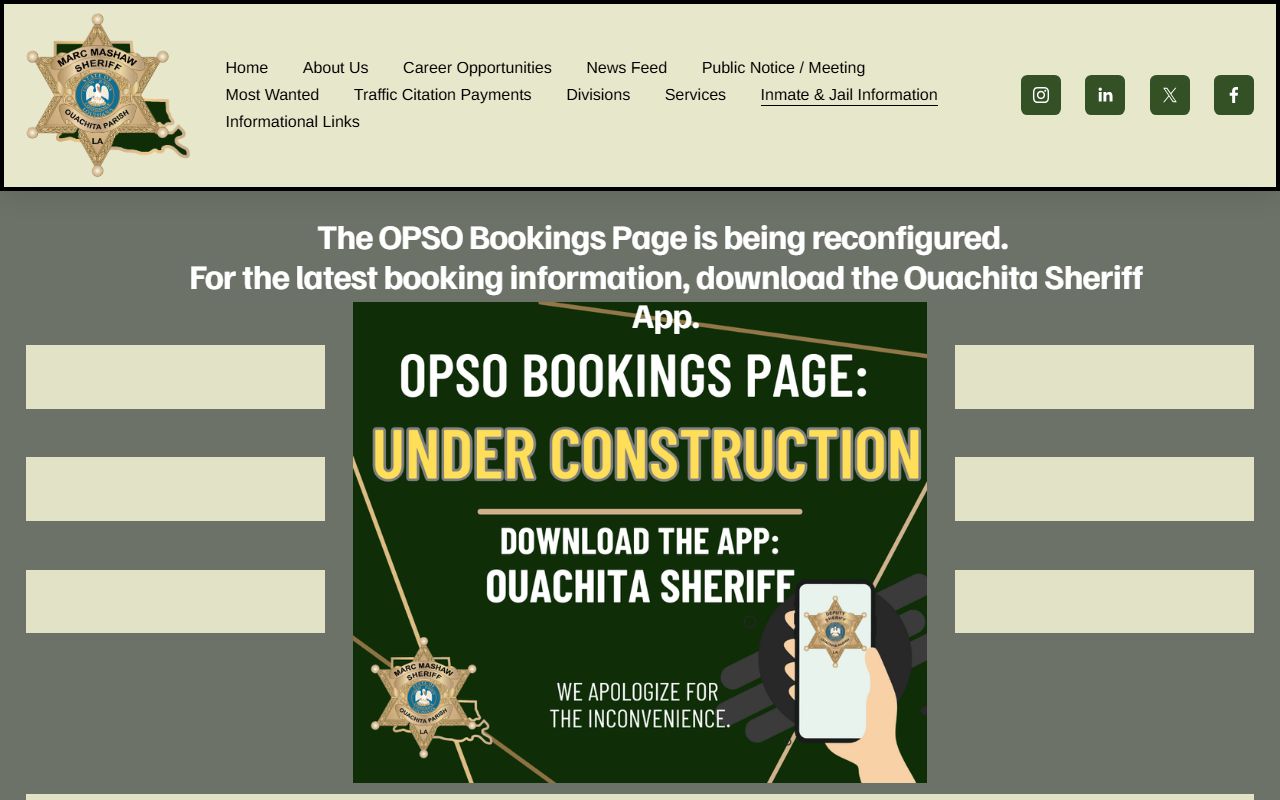
That app route is important because researched OPSO web pages did not show a separate active-warrant web search for Ouachita Parish.
Ouachita Parish Warrant Channels
Warrant records can sit with different custodians. OPSO maintains sheriff warrant records. The Ouachita Parish Clerk of Court and the Fourth Judicial District Court can show district bench warrants, felony case warrants, failure-to-appear entries, bond forfeitures, and criminal dockets. Monroe City Court and West Monroe City Court can have city misdemeanor, traffic, ordinance, and bench-warrant matters. The DA traffic office handles failure-to-pay and failure-to-appear consequences for tickets it prosecutes.
| Channel | What It Can Help With | Contact / Link |
|---|---|---|
| Ouachita Sheriff App | Active arrest warrants, warrant alerts, most wanted, tips, and inmates. | App Store listing |
| OPSO Records/Identification | Sheriff-maintained warrants, booking documentation, and public-records requests. | 318-324-2630 |
| OPSO Main Office | General sheriff records and agency routing. | 400 St. John Street, Monroe; 318-329-1200 |
| Clerk Connect Criminal Search | Criminal cases that may show warrant count where enabled. | Ouachita inquiry |
| Monroe City Court | City misdemeanor, traffic, and bench warrant matters. | 318-329-2580; city prosecutor court dates 318-329-2618 |
| West Monroe City Court | West Monroe traffic/criminal, ordinance, DWI, and bench warrant matters. | 318-396-2767; traffic 318-396-6107 |
The Ouachita Sheriff App Store listing is the manifest source that specifically advertises active arrest warrants and warrant alerts.
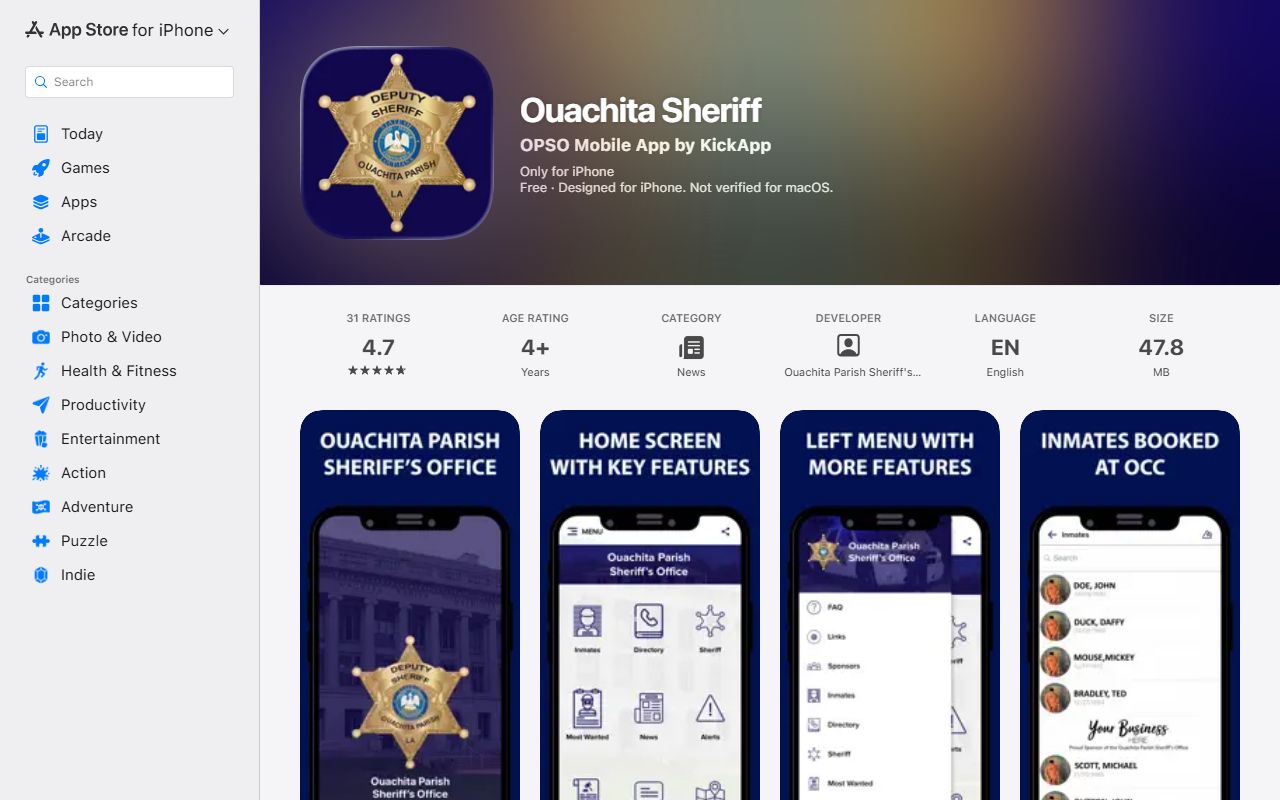
That app listing is also the source for the Most Wanted, Submit A Tip, alerts, directory, locations, FAQ, links, and inmate features.
Types of Ouachita Parish Warrants
Warrant terms can overlap in public records. An arrest warrant authorizes law enforcement to arrest a named person. A bench warrant is issued from the bench, often after a missed hearing, contempt issue, or failure to comply. A failure-to-appear warrant can come from missing criminal, traffic, or city-court dates. A search warrant authorizes a search and may stay sealed during an investigation. A fugitive warrant or hold may involve another jurisdiction. A warrant tied to booking may later appear in inmate, bond, court, or charge tables after an arrest.
- Arrest warrant
- Judicial authorization for law enforcement to arrest a named person.
- Bench warrant
- A judge-issued warrant, often tied to a missed court date or failure to follow a court order.
- Failure-to-appear warrant
- A warrant or court action based on missing a required criminal, traffic, or city-court appearance.
- Search warrant
- Authority to search a place or item; records may be sealed while an investigation is active.
- Fugitive warrant or hold
- A warrant or hold linked to another jurisdiction, which may not be resolved through a parish court alone.
Check Ouachita Parish Warrants
A complete Ouachita Parish warrant check follows the likely issuing source. The sheriff app is the active arrest-warrant channel found in the research. OPSO Records/Identification is the phone and records fallback. Clerk Connect and the Clerk can reveal court case records that show warrant counts, bond forfeiture notices, failure-to-appear entries, or criminal docket activity. City-court warrants require city-court contact. Federal warrants are separate and are not cleared through a parish app.
- Use the Ouachita Sheriff app for active OPSO arrest-warrant information and name/date-of-birth alerts.
- Call OPSO Records/Identification at 318-324-2630 when the app or booking record does not answer the warrant question.
- Search Clerk Connect criminal records for district case results and warrant count fields where enabled.
- Call the court that likely issued the warrant if the matter involves a missed court date or traffic case.
- Contact the 4th DA traffic office at 318-388-4448 or traffic@4thda.org for DA-handled ticket issues.
- For federal matters, use Western District of Louisiana federal channels rather than OPSO.
Important: A blank app, booking, or court search does not prove that no warrant exists.
Ouachita Parish Warrant Search Fields
The researched sources did not expose a live web warrant-search form, so the field table is based on the official app feature inventory and related court and booking systems. The app listing says warrant alerts use name and date of birth. Clerk Connect criminal search can show warrant count where enabled. OPSO booking profiles can show bonds, docket number, court dates, court, charges, and arresting agency after a person is booked.
| Field / Channel | Type | Required | Notes |
|---|---|---|---|
| Name | Text | Needed for app alerts or records contact | The app listing says warrant alerts use name and DOB. |
| Date of Birth | Date | Needed for app alerts or identity matching | Helps avoid mixing people with similar names. |
| Case Number | Text | Conditional | Used in Clerk Connect or court contact when a criminal case is known. |
| Ticket Number | Text | Conditional | Useful for traffic warrants or DA traffic follow-up. |
| Booking Number / Subject Number | Text | Optional | Used in OPSO Inmate Inquiry after booking. |
| Issuing Court | Office/court name | Conditional | Needed when checking bench warrants or city-court warrants. |
Ouachita Parish Warrant Fields
The official sources did not provide a live sample active-warrant detail page. Available research still supports a practical field inventory for Ouachita Parish warrant records. Some fields come from the app listing, while others appear after a warrant leads to booking or a court case entry.
| Field | What It Can Show |
|---|---|
| Name | The person tied to the warrant or warrant alert. |
| Date of Birth | Identity matching field used by the app alert feature. |
| Warrant Status | Whether an active arrest warrant is listed in the app or confirmed by OPSO. |
| Issuing Agency or Court | May need confirmation through OPSO Records, the Clerk, city court, or federal channels. |
| Charge or Case | May appear in Clerk Connect, OPSO booking records, or court files after case activity. |
| Case or Docket Number | Identifier shown in court or booking records when available. |
| Bond | Bond number, type, amount, or status once booking records exist. |
| Court Date / Court | Can appear in OPSO inmate court tables after booking or in court-event records. |
Resolve Ouachita Parish Warrants
Do not ignore a warrant because one search is blank. App-only, court-level, sealed, city-court, delayed, or federal records may not appear in a single portal. Start by identifying the possible issuing level: OPSO parish arrest warrant, Fourth Judicial District Court felony or district warrant, Monroe City Court bench warrant, West Monroe City Court warrant, DA traffic matter, or federal warrant. Then contact the office that can confirm bond, court date, payment, surrender, or clearance procedure.
- Identify whether the issue is sheriff, district court, city court, traffic, or federal.
- Confirm active status with OPSO Records, the issuing court, or the DA traffic office.
- Ask about bond, court date, payment, or surrender before appearing in person.
- If represented, have counsel contact the court, DA, or sheriff records division.
- After resolution, confirm clearance with the issuing office because database updates may lag.
The VINELink Louisiana person search is a related notification channel for custody and criminal-case updates.
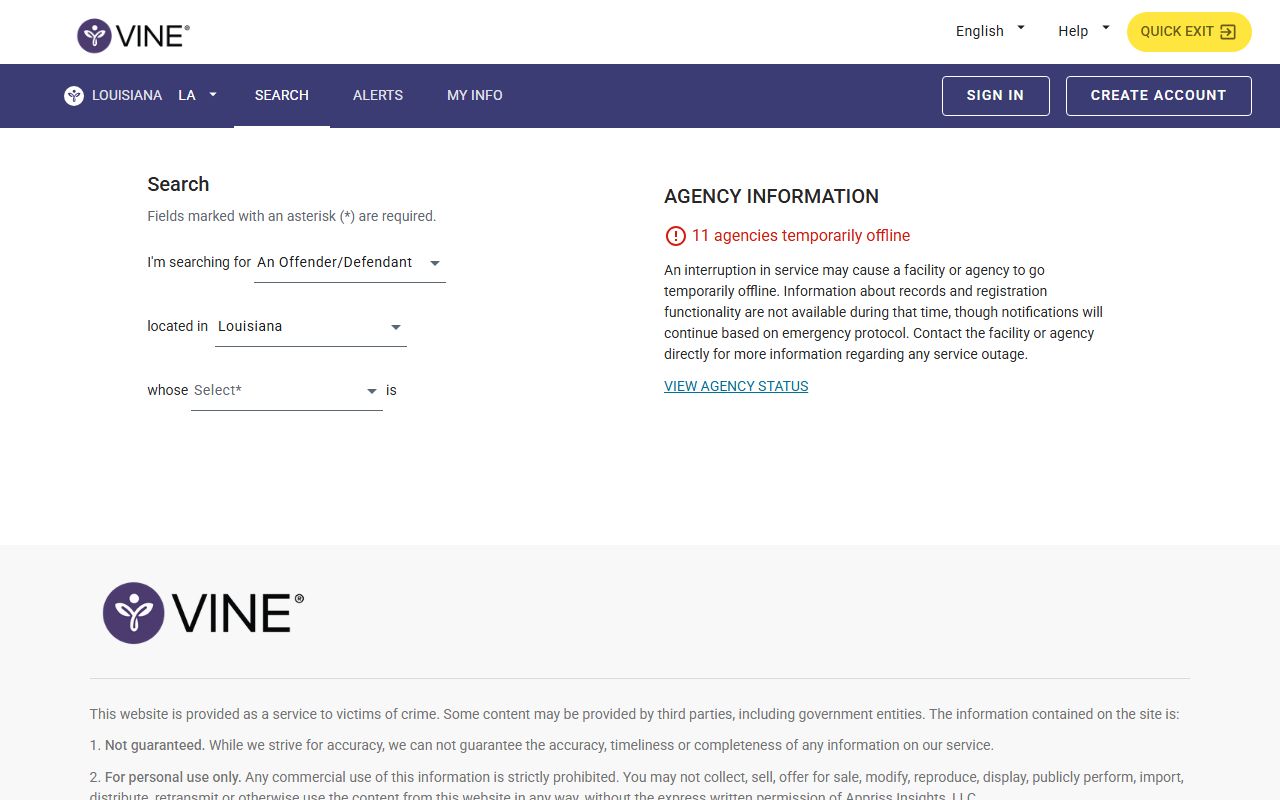
VINELink can support custody-status awareness, but it does not replace OPSO or court confirmation for an active warrant.
Ouachita Parish Warrant Tips
The sheriff app advertises Most Wanted and Submit A Tip features. The research did not identify a separate Ouachita Parish Crime Stoppers phone number or reward program source, so warrant tips should be routed through official OPSO app or sheriff channels unless another official source is confirmed. Sex offender searches are also separate from warrant searches. OPSO links to OffenderWatch for publishable registered-offender information, and Louisiana State Police provides a statewide registry information page.
The OPSO sex offender search page explains the local OffenderWatch channel, which is related to public safety but not the same as active warrants.
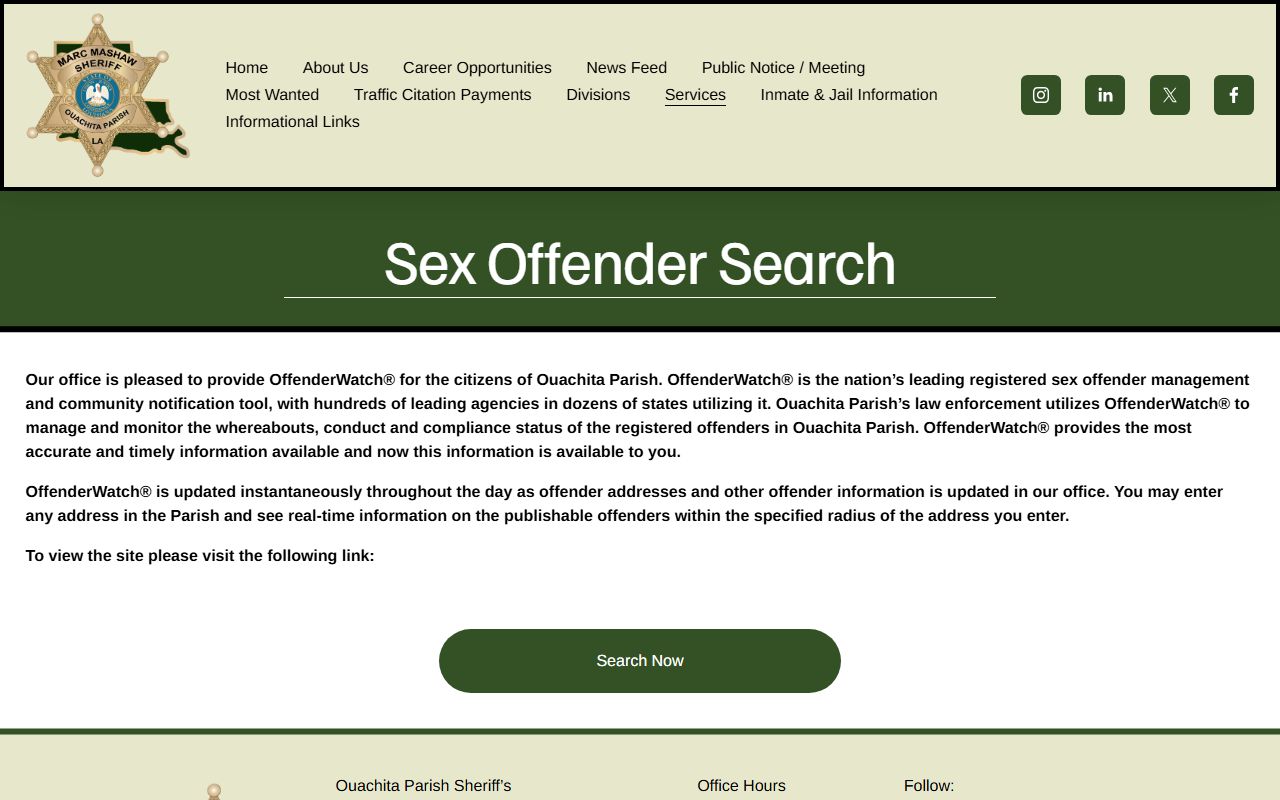
Keep those searches separate: a registered-offender result does not prove an active warrant, and a warrant search does not replace sex-offender registry checks.
The Louisiana State Police sex offender registry page provides the statewide sex offender registry contact path.
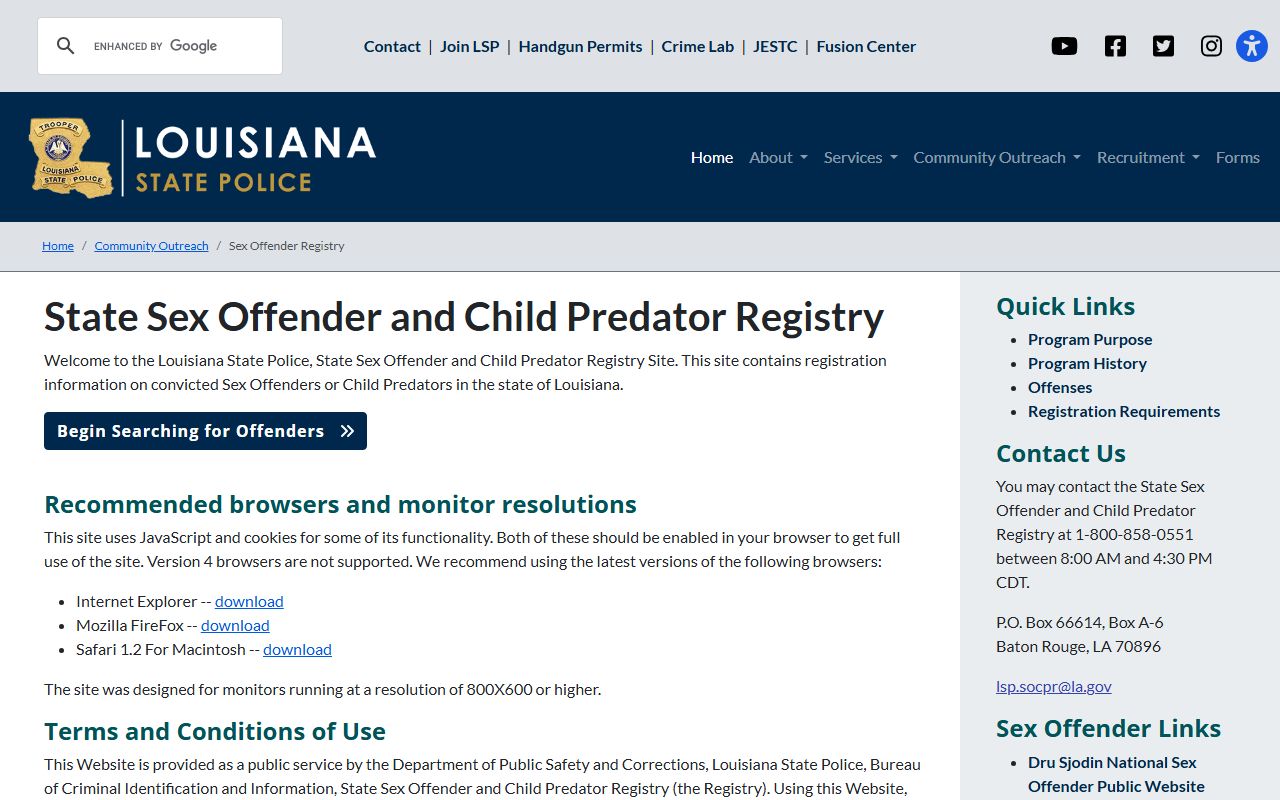
That state registry is useful for statewide offender information, while active Ouachita Parish warrant questions still route through OPSO, courts, and related case records.
Restricted Ouachita Parish Warrants
Some warrant records should not be expected in public results. Search warrants can remain sealed during investigations. Juvenile warrant or court records may be confidential under Louisiana Children's Code access rules. Federal warrants are handled through federal law-enforcement and court channels, not the Ouachita Sheriff app. Prosecutive and investigative materials can also have public-record limits under Louisiana law. A person checking Ouachita Parish warrant records should verify with the issuing office before relying on a public index, app listing, booking record, or third-party search result.
Note: OPSO, the Clerk, city courts, DA traffic, and federal agencies may each control different warrant-related records.